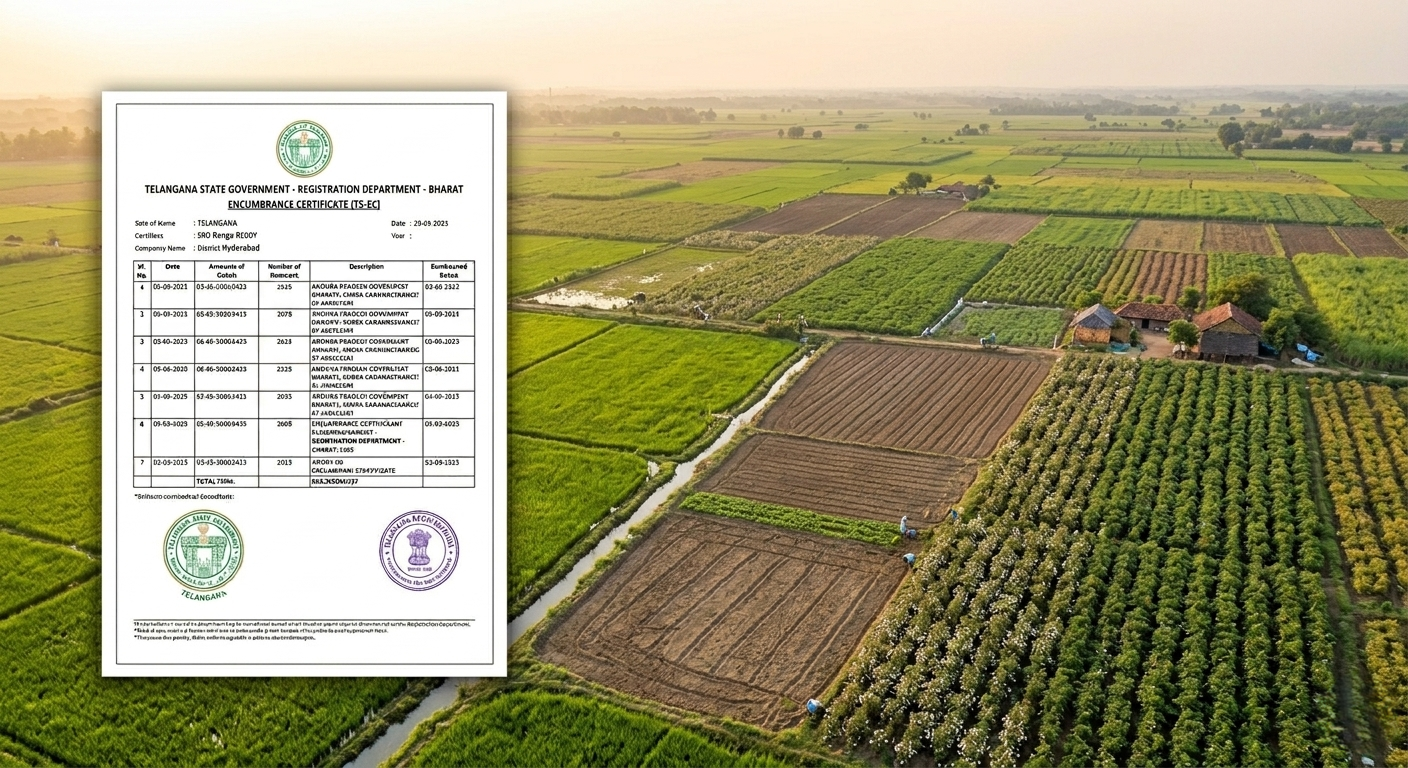
When Do You Need to Correct IGRS EC in Telangana?
You need to correct your EC if:
- Property details (village, survey number, sub-division, extent, boundaries) are incorrect
- Owner (buyer/seller) names are mismatched
- EC details do not match your registered document
👉 These issues usually occur due to data entry errors during registration or digitization in Telangana.
Step 1: Verify Property & Document Details
If your property details or party names are not matching with your registered document, follow this verification:
- Check property details in EC:
- Compare with your registered document
✔ Important Check
- Verify the document number on the back side of your document
- Match it with:
👉 If:
- Document number
- Registration year
- Sub-Registrar Office (SRO) name
✔ All match → EC has an error and needs correction
Step 2: Apply for IGRS EC Correction in Telangana
To correct EC details, submit an application at the Sub-Registrar Office (SRO) in Telangana.
Documents Required
- Registered document copy
- Encumbrance Certificate (EC) copy
👉 These documents are used to verify and correct the records.
Step 3: EC Correction Process
- Submit correction request at SRO
- Officials verify document and EC details
- Corrections are updated in official records
👉 This process is commonly known as EC correction (manual update process).
Processing Time in Telangana
- EC correction usually takes around 30 to 45 days
- Timeline may vary depending on the Sub-Registrar Office
Important Note on Old Property Records in Telangana
The method to access EC depends on the year of registration:
✔ Between 1933 to 1982
- Check Manual EC
- Available on mypatta.Refer this →Manual EC
✔ From 1983 to Present
- EC is available online in Telangana
- Can be easily accessed and downloaded through mypatta .Refer this →Certified EC
How to Download IGRS EC Online in Telangana?
You can easily download EC online in Telangana through mypatta:
- Open mypatta and log in or sign up if needed.
- Select State as Andhra Pradesh and Click EC icon
- Choose By Document Number or By Property tab
- Enter Required Information
- Once the Encumbrance Certificate(EC) is made available, you can download, save, or share it .
Through mypatta, you can get EC online quickly without any worries.You can also easily download Certified EC and Manual EC through mypatta
Why Knowing Registration Year is Important
👉 The year of registration helps you:
- Choose the correct EC search method
- Avoid missing records
- Get accurate property and ownership details
Frequently Asked Questions (FAQs)
- 1. How do I know if my EC needs correction in Telangana?+
If EC details do not match your registered document, correction is required
- 2. Can EC be corrected online in Telangana?+
No, EC correction usually requires a manual application at the Sub-Registrar Office.
- 3. How long does EC correction take in Telangana?+
It typically takes 30 to 45 days.
- 4. Can I get EC for old property records in Telangana?+
Yes, older records can be accessed through Manual EC which you can get from mypatta.
- 5. Can I download EC online in Telangana?+
Yes, for properties registered after 1983, EC can be downloaded online.
- 6. Can I get EC through mypatta in Telangana?+
Yes, you can get both digital and manual EC copies through mypatta.
Conclusion
Correcting errors in your Encumbrance Certificate (EC) in Telangana is essential to ensure accurate property records. By verifying your document details and applying through the Sub-Registrar Office, you can fix mismatches and avoid future legal or financial issues.
👉 You can also simplify the process by using mypatta to access EC records quickly and easily.